If your business has outgrown spreadsheets, entry-level accounting software, or a collection of disconnected applications, you may be looking at enterprise resource planning (ERP) software.
If you’re also seeking ERP software that can help your business gain greater control through automation, this blog is for you. We understand that traditional ERP software can be expensive. Selecting the right fit can be time-consuming and tiring. In this blog, we will cover Microsoft Dynamics 365 Business Central, a business management system designed specifically for SMEs.
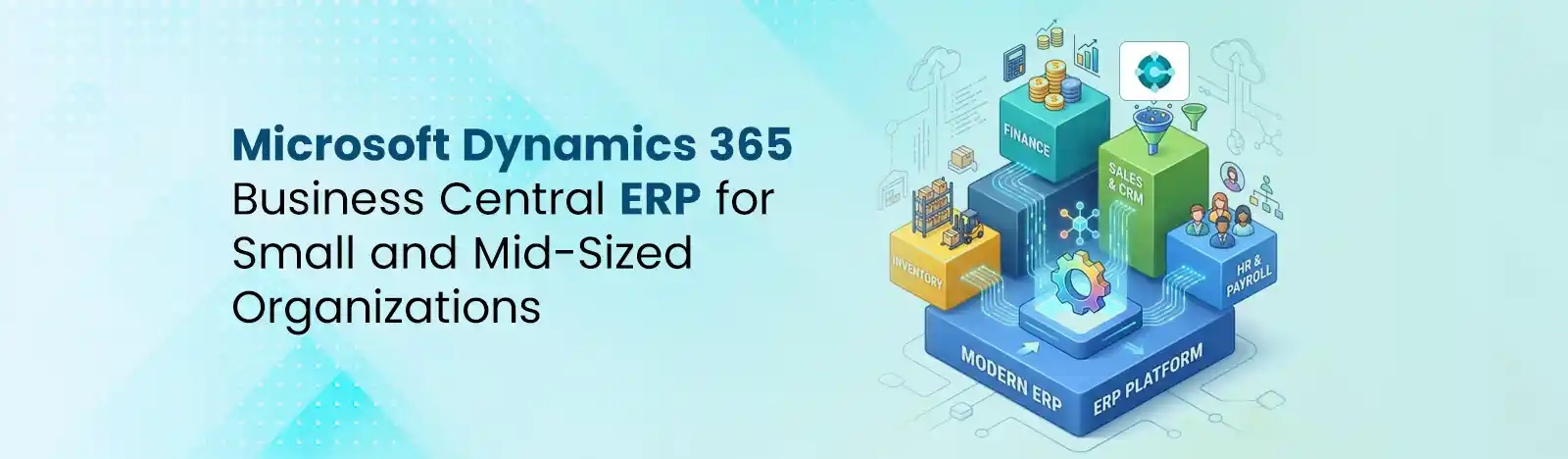
Dynamics 365 Business Central is an enterprise resource planning platform designed for SMEs. From finance to inventory, sales, service, supply chain, and manufacturing, it manages the entire business on a single screen. It also integrates with familiar Microsoft tools, including Excel, Outlook, Teams, Power BI, and Power Platform.
Microsoft says more than 55,000 small and medium-sized businesses have chosen Business Central. The platform is available in 47 languages and more than 242 countries and regions, making it suitable for organizations that operate locally or across multiple markets.
Business Central did not appear anywhere. Its history goes back to Dynamics NAV, Microsoft’s long-standing ERP platform for small and mid-sized businesses.
Dynamics NAV evolved into a mature business management platform with capabilities spanning finance, manufacturing, supply chain, sales, and operations.
In 2018, Microsoft introduced Dynamics 365 Business Central as the next generation of that technology. Microsoft announced Business Central’s general availability on April 2, 2018. At launch, Microsoft described it as bringing the capabilities of Dynamics NAV to the cloud and making them available through its Cloud Solution Provider partner network.
The evolution can be summarized as: Dynamics NAV → Dynamics 365 Business Central → Cloud-connected, AI-enabled Business Central
The transition was more than a change in product name. Microsoft gradually moved the platform toward a modern cloud architecture, extensions, continuous updates, deeper integration with Microsoft 365 and Power Platform, and embedded AI.
This history is important for companies still running older Dynamics NAV environments.
Business Central is not an entirely new ERP disconnected from NAV. It builds on the NAV product lineage while introducing a modern cloud-first platform.
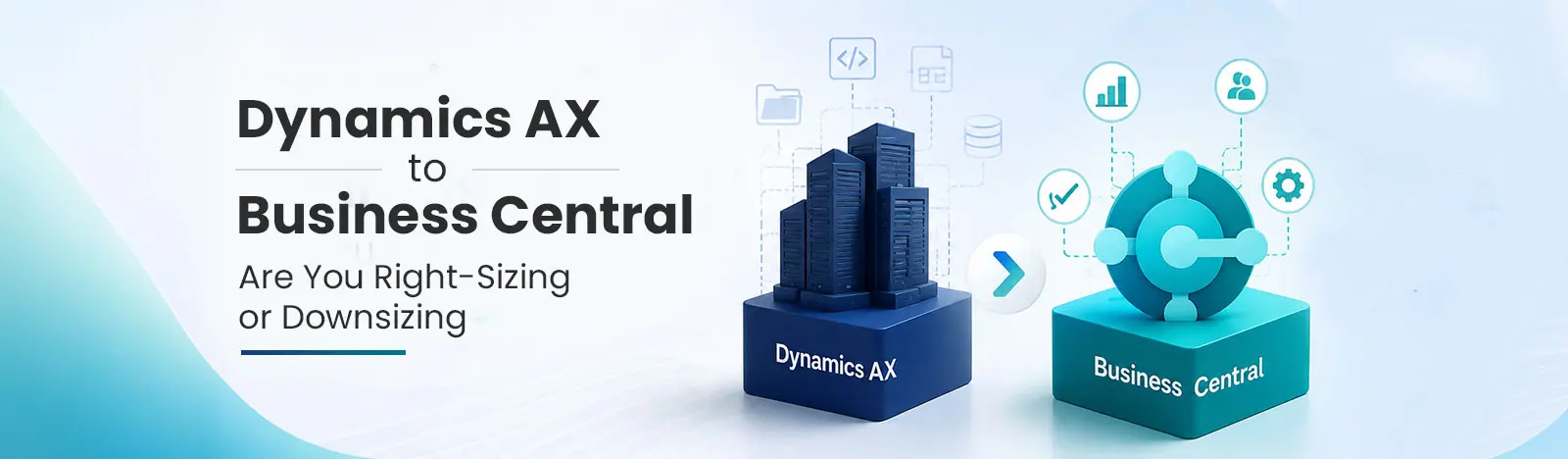
For organizations still running NAV, a Business Central migration can therefore be a strategic modernization project rather than simply replacing an accounting application.
1. Business Central is a modern ERP solution that acts as a central repository for the company’s data. It ensures that users don’t waste time in updating and managing many business apps.
2. It supports Microsoft 365 integrations. This includes tools such as Excel, Teams, Outlook, and more. Users can easily manage tasks and quotes through one system.
3. It leverages built-in AI tools like Microsoft Copilot for content creation and data management. This support quick and better decision-making. Read more about Business Central integrations.
4. It smoothly integrates with Power BI for instant access to key performance indicators, minimizing time spent digging through reports.
It provides advanced financial visibility to track transactions, supports multi-currency and international standards.
Think of Business Central as your business’s operational backbone. Your finance team sees financial transactions. Your sales team sees customers and orders. Your warehouse team sees inventory and shipments. Your management team sees performance.
Everyone works from connected business data. That is the fundamental idea behind an ERP.
Business Central’s AI features are built into the day-to-day screens people already use. For cloud customers, Microsoft Copilot shows up in a handful of practical places rather than as one big “AI button.”
A few examples:
Bank reconciliation matching: Copilot reviews incoming bank transactions and suggests which ledger entries they match, cutting down the manual line-by-line matching that used to eat up a finance team’s afternoon.
Natural-language data queries: Users can ask Business Central questions in plain language instead of building a filtered report from scratch, then group or summarize the results on the spot.
AI agents for routine transactions: Microsoft has extended Copilot into task-specific agents; one that drafts sales quotes from a customer’s email request, one that processes and matches vendor invoices for approval, and one that helps categorize employee expense submissions from receipt data. These agents don’t replace a person’s judgment; they prepare the work, so a human just must review and approve it.
Two things are worth flagging here. First, these AI capabilities are only available in Business Central’s cloud (SaaS) deployment; an on-premises installation doesn’t get them, since they rely on Microsoft’s hosted AI infrastructure. Second, while chat-based Copilot features come bundled with a standard license, some of the agent-based automation draws on separately metered Copilot Credits, so it’s worth checking current usage limits before assuming everything is included at no extra cost.
For a business already drowning in manual reconciliation or invoice entry, this is often the most immediately visible payoff of moving to Business Central versus staying on an older on-premises system.
Related Stats:
Business Central gets compared to a wide range of systems, and the right comparison really depends on what a business is replacing. Here’s how it stacks up against the platforms it most often comes up against:
Business Central vs. Other ERP Systems
| ERP Solution | Best Suited For | Key Strength | Scalability | Microsoft Ecosystem |
| Dynamics 365 Business Central | Small and midsize businesses | Finance, sales, operations, and supply chain | High | Excellent |
| QuickBooks | Small businesses | Accounting and financial management | Moderate | Limited |
| Dynamics GP | Mid-market businesses | Financial and business management | Moderate | Strong |
| Dynamics NAV | Businesses using legacy Microsoft ERP | Flexible finance and operations | High | Strong |
| Dynamics 365 Finance & Operations | Large and complex organizations | Advanced finance, supply chain, and operations | Very High | Excellent |
| Acumatica | Growing small and midsize businesses | Cloud ERP and industry functionality | High | Moderate |
The pattern across all of these: Business Central sits squarely in the middle of the market. It’s more than accounting software, but it isn’t built for the scale and complexity that a global manufacturer or multinational enterprise eventually needs.
Knowing where your business falls on that spectrum is usually a faster way to shortlist ERP options than comparing feature lists line by line.
Related Resources:
Choosing Business Central is one decision. Getting it configured around how your business actually operates- not just how the default setup assumes it operates. It is a separate one, and it’s usually where implementations succeed or stall.
Beyond Key works across the Microsoft ecosystem, which matters here for a specific reason: Business Central rarely lives in isolation. Beyond Key is a Microsoft Solution Partner that has been serving 450+ global clients for the past two decades. From discovery to go-live, our team Hands-on experience in manufacturing, retail, distribution, and nonprofit, so the configuration fits from day one.
Our team scopes that integration layer alongside the core ERP configuration, rather than treating it as an afterthought once the finance module is live.
Our Dynamics 365 Business Central services cover:
CGIAR: Transforming Donor & Fundraising Management
The Challenge
The Solution
Microsoft Dynamics 365 CRM
The Results
45% Reduction in back-office costs
58% Increase in donor retention & loyalty
Better visibility: More transparency, smarter decisions, and resources directed toward beneficiaries
Read in detail here.
Business Central solves a real problem: getting finance, sales, inventory, and operations working off the same data instead of five disconnected tools that all tell a slightly different story. Its roots in Dynamics NAV mean it’s a mature platform, not an untested one, and its native tie to Microsoft 365 and Copilot means the AI capabilities showing up across Business Central aren’t a separate product to bolt on later.
The harder question isn’t whether Business Central is a capable ERP; it clearly is. It’s whether it’s the right fit for where your business is today, and whether your team has the implementation support to configure it well rather than settling for the default setup.
Why Choose Beyond Key for Business Central consulting and other services?
Next step: If you’re evaluating Business Central against your current systems, or already know you want to move off Dynamics NAV, GP, or a patchwork of spreadsheets, talk to Beyond Key about scoping what that implementation would actually look like for your business. Get in touch with our Business Central experts.
Frequently Asked Questions:
Yes. Business Central is a full ERP platform, not just accounting software. It manages finance, sales, inventory, purchasing, and project data within one connected system.
As of 2026, Business Central Essentials lists around $80 per user per month, and Premium (which adds manufacturing and service management) lists around $110 per user per month. Lighter-access Team Member licenses run about $8 per user per month. Actual pricing can vary by region, contract length, and partner discounts.
Essentials covers core finance, sales, purchasing, inventory, and project accounting. Premium includes everything in Essentials plus manufacturing (bills of materials, production orders, capacity planning) and service management (service contracts, dispatch, repairs).
Both options exist. Most businesses run the cloud version, which Microsoft hosts and updates automatically. An on-premises deployment is available for organizations that need direct infrastructure control, but it doesn't include Copilot or the AI agent features.
Yes, and for GP customers specifically, it's increasingly the intended path, Microsoft has set an end-of-support timeline for GP in 2029. Business Central shares underlying logic with NAV, which tends to make the transition more familiar than switching to an entirely different ERP vendor.
Yes, in the cloud version. Copilot supports natural-language data queries, AI-assisted bank reconciliation, and task-specific agents for sales quotes, vendor invoice processing, and expense categorization.
It depends on the business. Very small companies with simple bookkeeping needs are often better served by entry-level accounting software. Business Central fits best once a business has outgrown that stage and needs inventory, purchasing, or project tracking connected to its financials.