Sage 50 is good at what it was built for. It keeps the books tidy for small businesses, and plenty of companies have run on it happily for years. The trouble starts when your business gets bigger than the software. More users, more entities, more inventory, and suddenly you are running half your operation in Excel because Sage cannot quite keep up. If that sounds familiar, Microsoft Dynamics 365 Business Central is the natural next home, and getting there is more straightforward than most owners expect.
If Sage 50 has started to feel tight, more users than it likes, more entities, more manual spreadsheet workarounds, Business Central gives you a true cloud ERP with finance, inventory, sales, and reporting in one place. A Sage 50 to Business Central migration usually goes smoothly because Sage data exports cleanly, and you gain room to grow without bolting on extra tools.
Quick answer
Outgrowing your accounting software rarely happens overnight. It shows up as small frustrations that add up. You have probably hit a few of these:
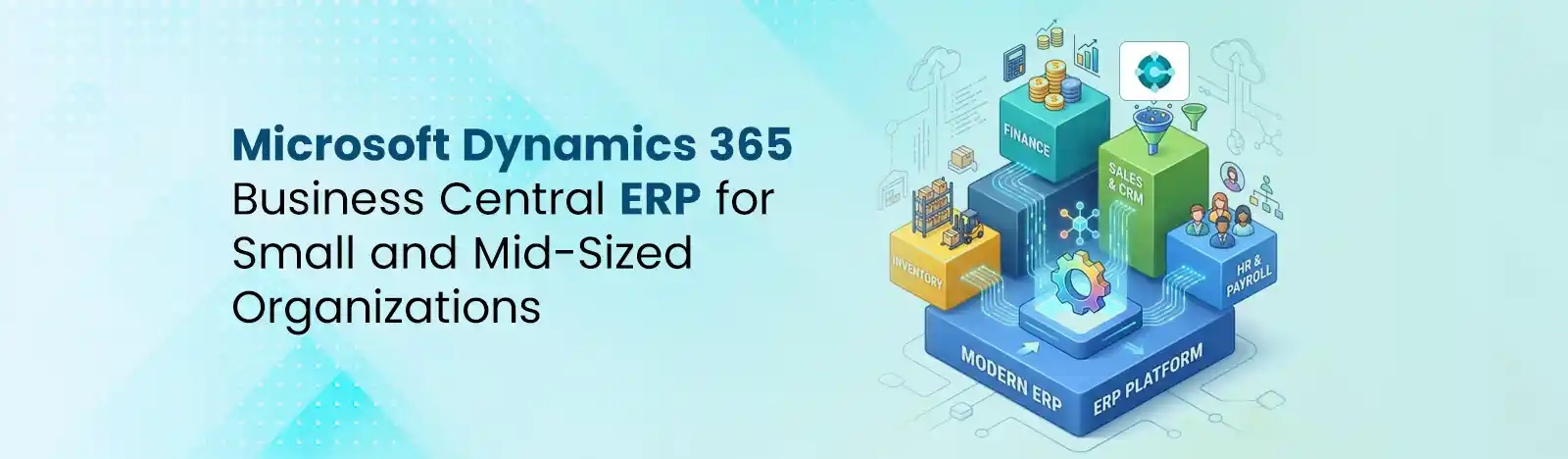
The headline is that you stop stitching tools together. Business Central puts finance, sales, inventory, purchasing, and reporting in one connected system, then layers on the Microsoft features you already use.
The practical payoff shows up in your week. Instead of exporting figures and reconciling them by hand, your numbers live in one place and update in real time, so a question from your bank or your board can be answered in minutes rather than days. Because Business Central runs in the Microsoft cloud, there are no servers to patch and no overnight update windows that take your finance system offline; Microsoft handles security and delivers new features automatically twice a year. And because it speaks fluently to Outlook, Excel, and Teams, your team keeps working in the tools they already know rather than learning a separate world.
| What matters | Sage 50 | Business Central |
| Scope | Core accounting | Full ERP and CRM-adjacent |
| Scale | User and feature limits | Grows with your business |
| Deployment | Mostly desktop or server | Cloud-native, work anywhere |
| Microsoft 365 | Limited | Native Outlook, Excel, Teams |
| Reporting | Standard reports | Built-in Power BI dashboards |
| Automation and AI | Minimal | Copilot and Power Automate |
If you moved up from QuickBooks before landing on Sage, you may find our companion piece on QuickBooks to Business Central migration a useful read, since the growth story is much the same.
Honestly, this is one of the friendlier migrations to run. Sage stores its data in accessible formats, and master records such as your chart of accounts, customers, vendors, and items export cleanly to CSV and Excel. From there, the work is mapping rather than wrestling: your Sage nominal codes become a clean Business Central chart of accounts and dimension structure, open balances and outstanding invoices carry over, and historical detail is brought across to the depth you need.
The part worth doing carefully is the design, not the data movement. A little time spent shaping your chart of accounts and dimensions now gives you the real-time reporting that made you want to leave Sage in the first place. Get that foundation right and the rest of the project tends to fall into place quickly, which is why an experienced partner spends more time on design conversations than on the export itself.
We meet growing businesses where they are. As a Microsoft Solutions Partner, we right-size your setup so you are not paying for enterprise complexity you do not need; most Sage 50 graduates fit Business Central Essentials at 80 dollars per user per month. Our quick-start approach for small and mid-sized companies keeps the project tight and the cost predictable, and follow-the-sun US and APAC coverage means support is there when you need it. You can explore the full picture on our Business Central consulting page.
Ready to scope your move?
You do not have to keep stretching Sage 50 past its limits. Request a free Business Central migration assessment through Beyond Key’s Business Central consulting team and we will map your current state before anyone talks pricing.