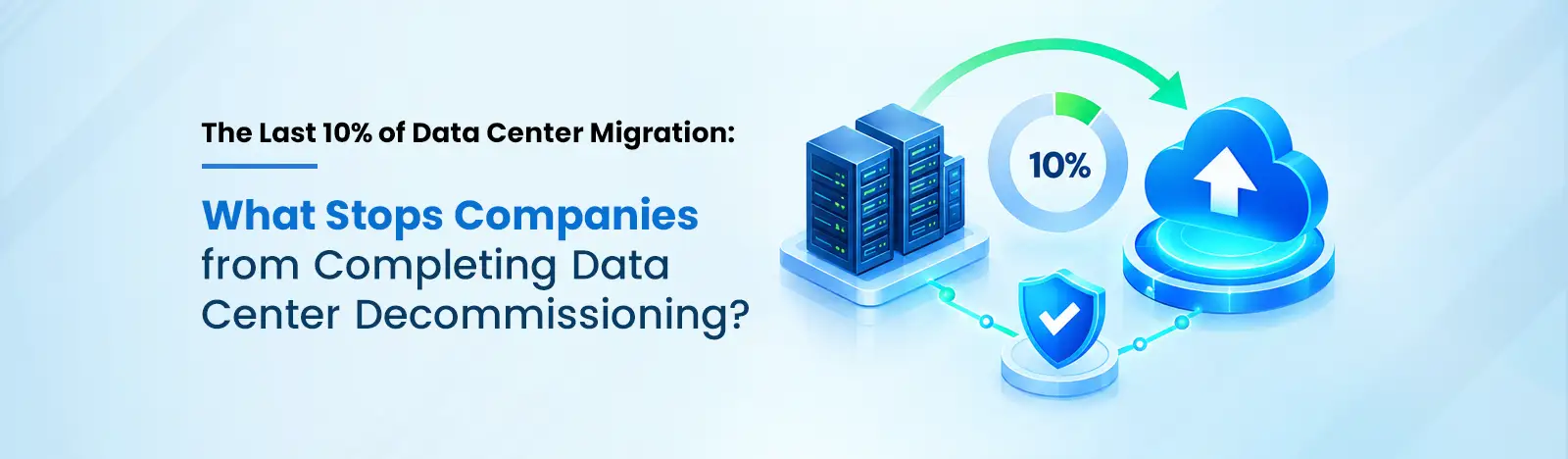
Most cloud migration projects I review are not stuck on technology. They stall at about 90%. So why is the Azure bill running while the invoice for the old site keeps arriving too? The easy workloads are running in Azure, yet the old data center still has a lease, a power bill and a VMware renewal attached to it. Data center decommissioning, the point where that building finally shuts down, is where the savings from a data center migration show up. It is also the step that keeps slipping, one quarter at a time.
Getting the first 90% across is mostly engineering work, and a good team can schedule it week by week. What is left over is harder to schedule, because it depends on who owns what, which contract ends when, and who is willing to take the risk. When I audit a rack that is still running, seven issues explain almost every case:
1. No owner for the leftovers. If nobody owns a server, nobody signs off on turning it off, however idle it looks.
2. Old applications. An old mainframe batch job. A finance tool whose license is tied to one physical machine. A server older than anyone on the team.
3. Hidden connections. A “spare” file share that still feeds a report everyone thought had moved to Azure last year.
4. Lease and license dates. Rented data center space usually needs 6 to 12 months’ notice to exit, and VMware renewals under Broadcom’s new terms often fall in the same window.
5. Legal holds. Some records must be kept by law, whatever the project plan says.
6. Lost knowledge. The engineer who built the payroll connection left years ago, and the documentation went with them.
7. Paying twice. Every month the site stays open, you pay for it and for Azure.
Only two of these are engineering problems. The other five get solved the same plain way: a name and a date against each one.
This is where I spend most of my time, because a server can sit quiet for 29 days and then run the month end close on day 30. Microsoft recommends running Azure Migrate dependency analysis for two to four weeks, so weekly and monthly jobs show up before anything is switched off. When finance systems are involved, I extend that past a quarter end, because a job that runs four times a year is exactly what a short scan misses.
Idle servers are common; a 2017 study by Jonathan Koomey and Anthesis Group found roughly a quarter of physical servers were doing no useful work. The costlier mistake is the opposite one: switching off the machine everyone was sure was idle, then finding out on Monday that it ran invoicing.
In a legacy data center migration, every remaining workload needs a decision, and I would rather the business owner make it than IT, since the owner knows whether the system still earns its place.
| Decision | When it fits | What happens next |
| Retire | Nobody uses it, or something has replaced it | Archive the data, then switch it off |
| Move | Still needed and able to run in Azure | Move it as part of the workload migration to cloud, using Azure Hybrid Benefit to reuse existing Windows Server and SQL Server licenses |
| Keep | Hard to rebuild, or tied to VMware tools | Run it on Azure VMware Solution, or in a smaller space, with a fixed retirement date |
Azure VMware Solution matters here. It lets the hardest VMware workloads leave the building without being rebuilt first, so they stop holding up the exit. That is often the quickest route for a VMware to Azure migration at this stage.
When I put together a data center migration strategy at this stage, I start from the contract and work backward, rather than starting from the project plan. If the lease ends in December and the notice period is nine months, the real deadline was last March, which is easy to miss when the plan is counted from the migration side. Migration waves, drive wiping and hardware collection all have to happen before it. If a full data center exit is not possible this year, data center consolidation into a smaller space still lowers the bill.
Illustrative example (hypothetical figures, not a client result): picture a company with 450 of its 500 servers already in Azure, still paying $40,000 a month for rented data center space, on a lease with 9 months’ notice. If it spends six months on the last 50 servers before giving notice, it pays rent for 15 more months: $600,000. If it gives notice now and works on those servers at the same time, it pays for 9 months: $360,000. The engineering work is the same; the order alone is worth $240,000.
Before the last rack goes dark, I want to see:
Do not skip the certificates. In 2022 the SEC fined Morgan Stanley $35 million after old hardware still holding customer data was resold without being wiped.
Beyond Key holds four Microsoft Solutions Partner designations, and across more than 100 VMware to Azure migrations our team has learned that the final stretch needs its own plan. Our Azure Migration Services begin with an assessment, and the first thing I ask for is an owner, a decision and a date against every remaining workload; the roadmap that follows is then tied to your lease and renewal dates. Ready workloads move through our VMware to Azure practice, and the rest get a clear path. After the exit, Azure Managed Services keeps the new estate monitored, so the savings from your Microsoft Azure Migration Solution show up on the invoice. Our team also works across AWS and Google Cloud, so mixed estates are covered too.
Ready to complete your Azure migration and eliminate the costs of maintaining legacy infrastructure?
Book a Decommissioning Assessment Call