A customer finishes your onboarding course in Moodle on Tuesday. On Wednesday, their account manager calls to ask whether they’ve started training yet. Nobody’s wrong here. The learning data just lives in one system, and relationship data lives in another.
That gap is common. Moodle holds enrolments, progress, quiz scores and certificates. Salesforce holds contacts, accounts, cases and opportunities. This guide covers what integration does, what to sync, how to approach it, and what to check before you commit to a solution.
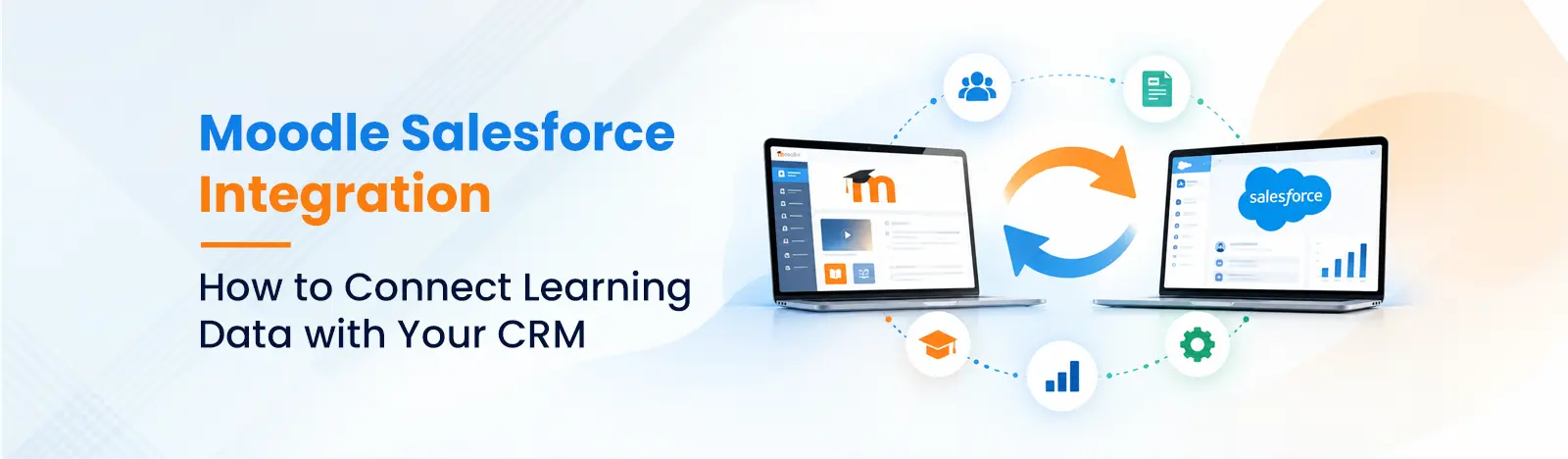
Moodle Salesforce integration is the process of connecting a Moodle learning management system with Salesforce CRM so that learner, enrolment, and course-completion data can move between them automatically instead of being copied by hand. Depending on how it’s set up, data can flow one way or both, on a schedule or in near real time.
Moodle is where learning happens. It manages courses, user accounts, enrolments, activities, grades, completion tracking and certificates.
Salesforce is where relationships are managed. It holds contacts, leads, accounts, cases, campaigns and sales pipeline. Some organizations also use Education Cloud or Experience Cloud for student or partner portals.
The two rarely overlap on their own. That’s the point of connecting them: each system stays good at its job, and the integration carries the useful information across.
Data moves through APIs, plugins, or middleware. Moodle supports web services that let external systems read and write data, and Salesforce exposes its own APIs for creating and updating records. An integration uses these to match a Moodle user to a Salesforce contact, then pass along updates like a new enrolment or a completed course.
It’s worth knowing that Moodle doesn’t ship with a native Salesforce sync. How you connect them depends on the method you choose, which we compare below.
Reduce Manual Learner and Customer Data Entry
Manual copying is slow, and it’s also where errors creep in. A misspelled email, a missed enrolment or an outdated status can quietly sit in your CRM for months.
Data quality is a bigger business issue than it looks. Your Moodle-to-Salesforce process won’t account for all of that, but every manual handoff adds a little to it.
Give Teams Visibility into Enrolments and Training Progress
When training status appears on the Salesforce contact or account record, the conversations change. Customer success can reach out to someone who’s stalled at module two. Sales can see whether a prospect’s team attended a product course. Support can tell whether a user with a “how do I…” case has completed the relevant training.
Nobody needs a Moodle login or a report request to find out.
Use Learning Data to Support Customer, Partner, or Employee Engagement
Training data is an engagement signal. Someone who finishes a course and earns a certificate is more likely to be an active, confident user. Someone who enrolls and never opens the course may need a nudge.
Once that data is in Salesforce, you can act on it: trigger a follow-up email, create a task for a manager, segment a campaign, or flag an at-risk account.
The short answer is that it depends. Depending on the integration type used and the configuration, there are more or fewer fields that can be synced and in which direction. A packaged plugin may cover a fixed set of fields. A custom build can cover almost anything Moodle and Salesforce expose. Here are the categories most teams consider.
This is the foundation. Name, email, organization and role are typically matched between a Moodle user and a Salesforce contact or lead. Get this mapping right first, because everything else hangs off it.
Enrolment records show who is taking what. Completion status shows who finished. Some teams push enrolments from Salesforce into Moodle, for example when an opportunity closes and the customer should get access to onboarding. Others push completion back from Moodle into Salesforce. Many do both.
Grades, quiz results, badge or certificate details and completion dates give Salesforce a fuller picture of what someone has done. This matters most for partner certification and compliance, where you need proof, not just a “completed” flag.
Many organizations add custom Salesforce objects for training, such as a “Course Enrolment” record linked to a contact, or custom fields like “Certification Level” or “Last Training Date.” Custom mappings give you the most flexibility, but they need careful design and testing.
Customer Onboarding and Product Training
New customers get enrolled in the right Moodle course automatically. Their progress appears on the account, so customer success can step in early if someone falls behind.
Partner and Reseller Enablement
Partner managers can see which reseller staff have completed product or sales certifications, and tie that to deal registration, tiering or incentives.
Employee Training and Compliance Tracking
Mandatory training completion can be linked to employee records, HR and compliance teams can see the employees who have passed the training and when it was completed and be alerted when training certifications are expiring.
Education and Student Engagement
Institutions can connect learning activity with admissions, advising and alumni engagement, helping staff spot students who may need support.
There are three main routes. Each fits different needs, and none is automatically “the right one.” Also, don’t assume a ready-made connector exists for your exact Moodle version, Salesforce edition and data requirements. Check before you plan around one.
Use an Existing Connector or Integration Plugin
Third-party plugins and connectors exist for common scenarios. They are frequently the quickest route to go when requirements are typical, like syncing users with enrolments. The downside is you are limited to what the plugin supports and reliant on the vendor for updates and compatibility.
Use an Integration Platform or Middleware
In between the two systems is an integration platform that is responsible for mapping, scheduling and error handling. It suits teams that already use middleware or that need to connect Moodle and Salesforce to other tools too. Licensing costs add up, and you still need someone to design and maintain the flows.
Build a Custom Integration with APIs
Moodle provides Web services for external integrations and Salesforce offers its own APIs. In addition, Salesforce makes mention of Moodle connectivity in its Education Cloud integration guide. Custom build provides complete control of fields, logic and security. Requires more initial work and maintenance.
| Factor | Connector or Plugin | Integration Platform / Middleware | Custom API Integration |
| Best for | Standard user and enrolment sync | Multi-system environments | Complex or unique data needs |
| Data flexibility | Limited to plugin features | Moderate to high | Highest |
| Setup effort | Low | Medium | High |
| Ongoing maintenance | Vendor updates; check compatibility | Platform upkeep plus flow monitoring | Your team or partner owns it |
| Cost profile | Licence or subscription | Platform licence plus build time | Higher build cost, lower licence cost |
| Main risk | Doesn’t cover a needed field | Added complexity and licensing | Longer timeline |
Most integration problems come from skipped planning, not bad code. Work through these steps before choosing a tool.
Define the Business Outcome and Required Data
Start with the question you want answered. Those who have completed onboarding need different information than those who are certified partner staff. Write the result down, and then list only the required fields to support the result.
Choose the System of Record for Each Field
Decide which system owns each piece of data. Email might be owned by Salesforce, while completion status is owned by Moodle. Without clear ownership, updates overwrite each other and nobody knows which value to trust.
Map Learner Records to Salesforce Records
Decide how a Moodle user matches a Salesforce contact. Email is common, but it isn’t always unique or stable. Consider using an external ID, and decide what happens when no match is found.
Decide When Data Should Sync and in Which Direction
Some data suits real-time updates, such as a completed certification. Other data is fine on a nightly schedule. Also decide whether each field flows one way or both.
Set Access Permissions and Data Protection Rules
Learning data can include grades, employment details and personal information. Limit which Salesforce users can see it, use least-privilege API accounts, and check your obligations under GDPR or similar regulations. On the security side, IBM’s 2025 Cost of a Data Breach Report put the global average cost of a breach at $4.44 million, down from $4.88 million the year before. That’s a reminder that even a modest integration should treat access controls seriously.
Test Errors, Duplicate Records, and Updates Before Launch
Test with realistic data in a sandbox. Try duplicate emails, missing fields, users who change their names, and failed API calls. Confirm that errors are logged and someone is notified.
Duplicate or Mismatched Learner Records
If matching rules are loose, one person can end up with two Salesforce contacts, or two people can be merged into one. Clean your data before the first sync, and set clear matching rules.
Incomplete Data Mapping and Sync Failures
Required Salesforce fields, picklist values that don’t match, and text length limits can all cause records to fail. Build in error logging and a way to retry failed records.
API, Plugin, and Version Compatibility
Moodle upgrades, Salesforce releases and plugin updates can all change how an integration behaves. Before you start, test the compatibility with your versions and after major upgrades, regression testing.
Privacy and Access to Sensitive Learning Data
Not everyone in Salesforce needs to see grades or compliance records. Apply field-level security and apply only required permissions, and sync only what is necessary.
Beyond Key offers Moodle development, LMS consulting and support, and Salesforce consulting and integration services. That combination helps here, because this kind of project needs people who understand both sides of the connection.
Assess Your Moodle and Salesforce Setup
We start by looking at your Moodle version, installed plugins, Salesforce edition and objects, and how your teams use each system today. That shows what’s realistic and which approach fits.
Design the Data Mapping and Integration Approach
Together with your team, we define the outcome, the fields, the system of record for each one, and the sync rules. Then we recommend whether a connector, middleware or custom integration makes sense, and explain why.
Implement, Test, and Maintain the Integration
We develop and test the integration, test edge cases such as multiple duplications and failed syncs, and offer support and maintenance post launch.
For a sense of our Moodle work, we helped QSC, a professional audio and video solutions company, move from a traditional LMS to a fully automated Moodle-based learning platform. You can read the QSC case study for details.
The most successful Moodle Salesforce integrations don’t start with a connector. They start with a question: what should your teams be able to see or do once learning data is in Salesforce? Once you know that, the right data, direction and sync rules become clearer, and choosing between a plugin, middleware or custom build gets much easier.
If you’re weighing your options, talk to Beyond Key about your Moodle and Salesforce requirements. We’ll help you work out what to sync, how to do it, and what to watch for along the way.
Can Moodle integrate with Salesforce?
Yes. Moodle doesn’t include a built-in Salesforce sync, but the two can be connected using plugins, integration platforms or custom API development.
What data can be synced from Moodle to Salesforce?
These include user profiles, course signups, course completion, grade, certificate, and training history. It depends upon the integration and configuration.
Is a Moodle Salesforce connector necessary?
No. A connector is one option, and a good one for standard needs. Custom fields, multiple systems, or complex logic, might be better suited to a custom field or middleware.
Can course completions be recorded in Salesforce?
Yes. Completion data can be written to a contact record or a custom training object, and it can trigger automation such as tasks, alerts or emails.
How long does a Moodle Salesforce integration take?
It varies. A simple plugin-based setup can take days to a few weeks. A custom integration with detailed mapping, security review and testing takes longer. The biggest factors are data complexity, the number of fields, and how clean your existing records are.